

Have you ever found yourself struggling to actively participate in a meeting while frantically taking notes at the same time? Or worse, spending another 30 minutes after an hour-long interview just to type up meeting minutes and send follow-up emails?
Thanks to advancements in artificial intelligence, manual note-taking is quickly becoming a thing of the past. Noota.io—an intelligent AI meeting assistant—has emerged as an all-in-one solution designed to automate this entire workflow. Let’s dive into a detailed review to see if Noota.io is worth adding to your tech stack.
What Is Noota.io?
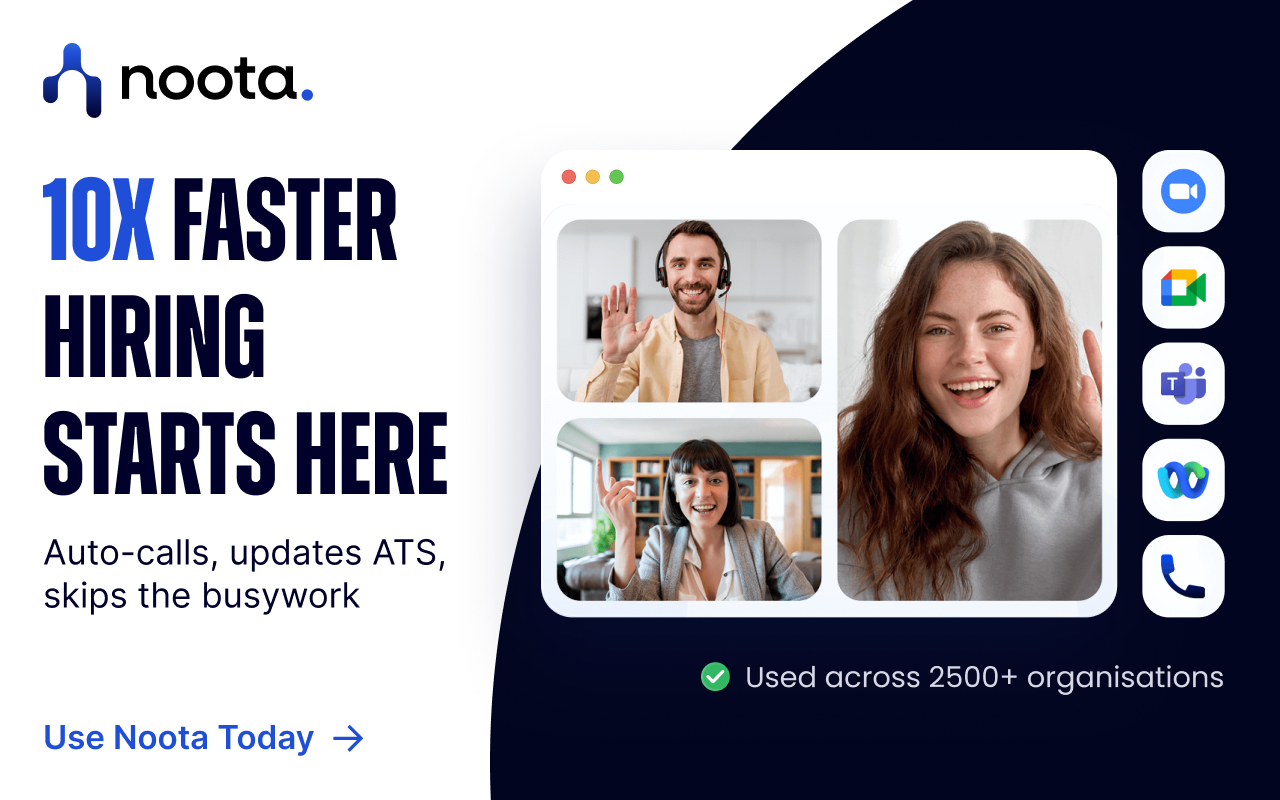
Noota.io is an AI-powered meeting management and speech-to-text (transcription) platform. Going beyond simple audio recording, Noota acts as a virtual secretary: automatically joining meetings, taking notes, analyzing sentiments, extracting action items, and syncing data directly to your CRM or ATS.
Flexible Recording Options:
- Online Meetings: Automatically joins platforms like Google Meet, Zoom, Microsoft Teams, or Webex.
- Phone Calls: Records phone conversations directly via its mobile app or VoIP integration.
- File Uploads: Uploads existing audio (MP3, WAV) or video (MP4) files to generate transcripts within minutes.
Key Features That Stand Out
1. Accurate Speech-to-Text Transcription
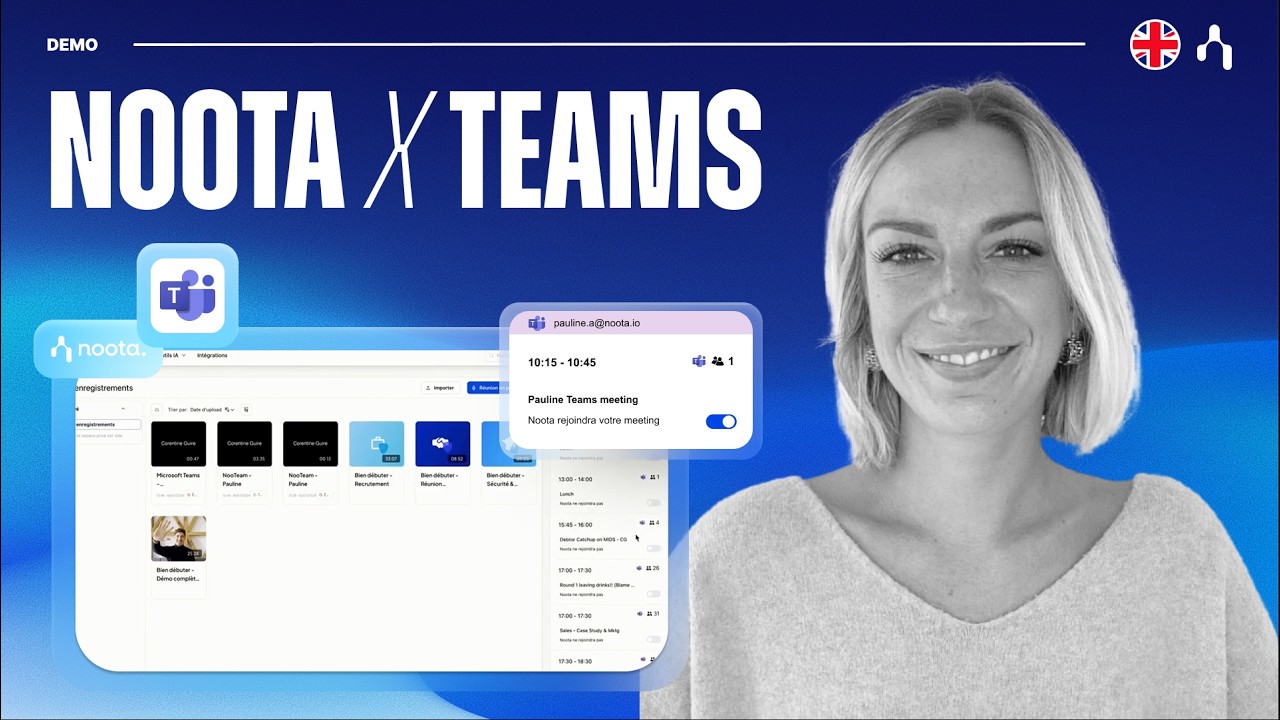
Noota supports multi-language transcription with high accuracy. The system automatically identifies different speakers, attaches precise timestamps, and allows you to search for key terms across transcriptions effortlesly.
2. Intelligent AI Meeting Summaries
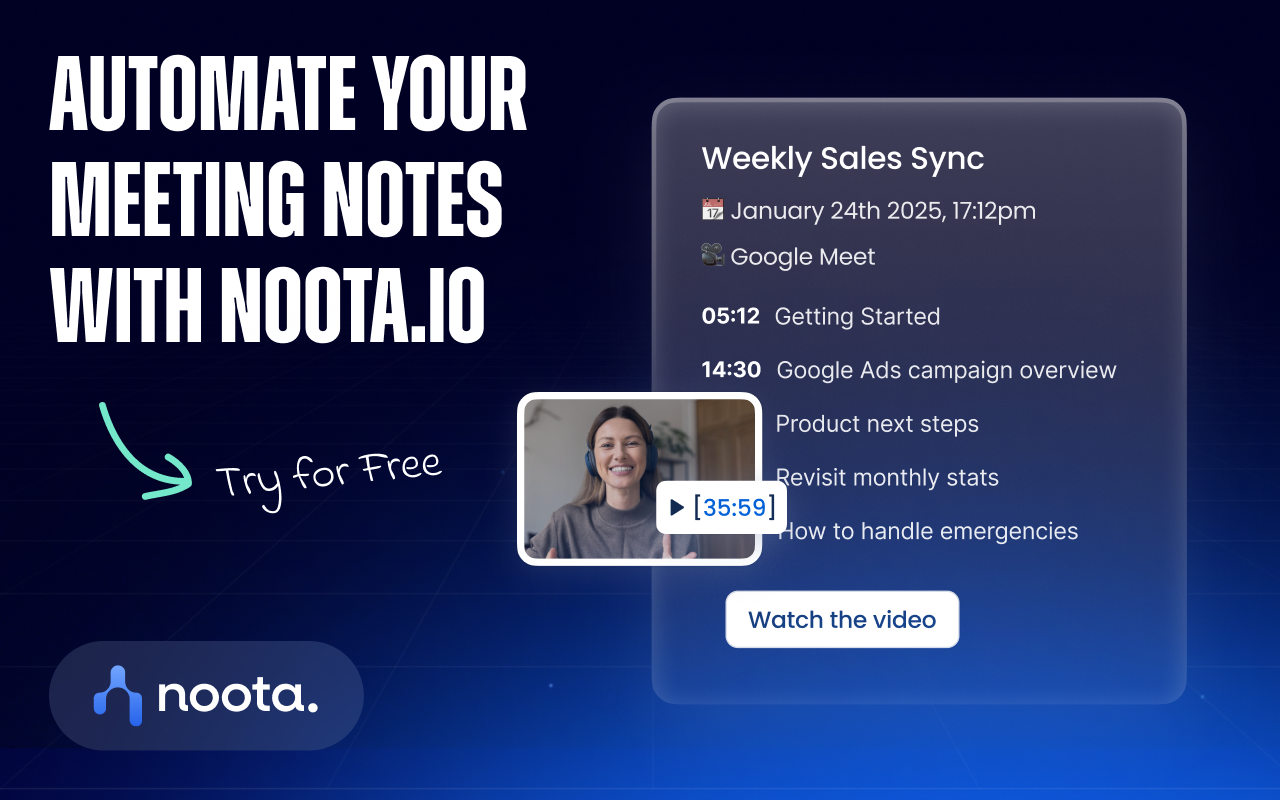
Instead of reading through thousands of words of raw text, Noota’s AI summarizes the content using structured templates. It automatically isolates:
- Key decisions agreed upon during the call.
- Action items assigned to specific team members.
- Critical customer feedback or objections.
3. Interactive “Ask Noota” Assistant
Need to pull up a specific detail from a call last week? You don’t have to re-listen to the entire recording. Use Ask Noota to ask direct questions like “What changes did the client request?”, and the AI will pull the exact answer from your meeting data.
4. Automated Follow-up Emails & CRM Sync
Immediately after a call, Noota helps draft follow-up emails summarizing the key takeaways for clients or team members. Crucially, it offers deep integrations with CRM systems (HubSpot, Salesforce) and Applicant Tracking Systems (ATS), updating deal notes or candidate files automatically without manual data entry.
Who Is Noota.io For?
| Target Audience | Real-World Use Cases |
| Sales & Marketing Teams | Capture prospect pain points, log meeting notes straight into CRMs, and send follow-ups right after closing calls. |
| Recruiters & HR | Evaluate interviews using structured scorecards and save candidate responses to ATS without losing focus during interviews. |
| Project Managers | Track project momentum, assign action items, and maintain accountability across daily standups. |
| Creators & Podcasters | Convert interviews and podcast recordings into clean text to create articles, blogs, or documentation. |
Pros & Cons
Pros:
- Saves an average of 3 to 5 hours per employee every week.
- Versatile recording capabilities (phone calls, live meetings, audio files).
- Seamless integrations with business tools like HubSpot, Salesforce, Notion, and Zapier.
- Enterprise-grade security compliance (GDPR, SOC 2 Type II).
Cons:
- Audio quality and background noise can occasionally affect accuracy for non-English accents or regional dialects.
- The Free tier has limited monthly recording minutes, requiring a paid upgrade for advanced CRM/ATS automation.
Pricing Overview
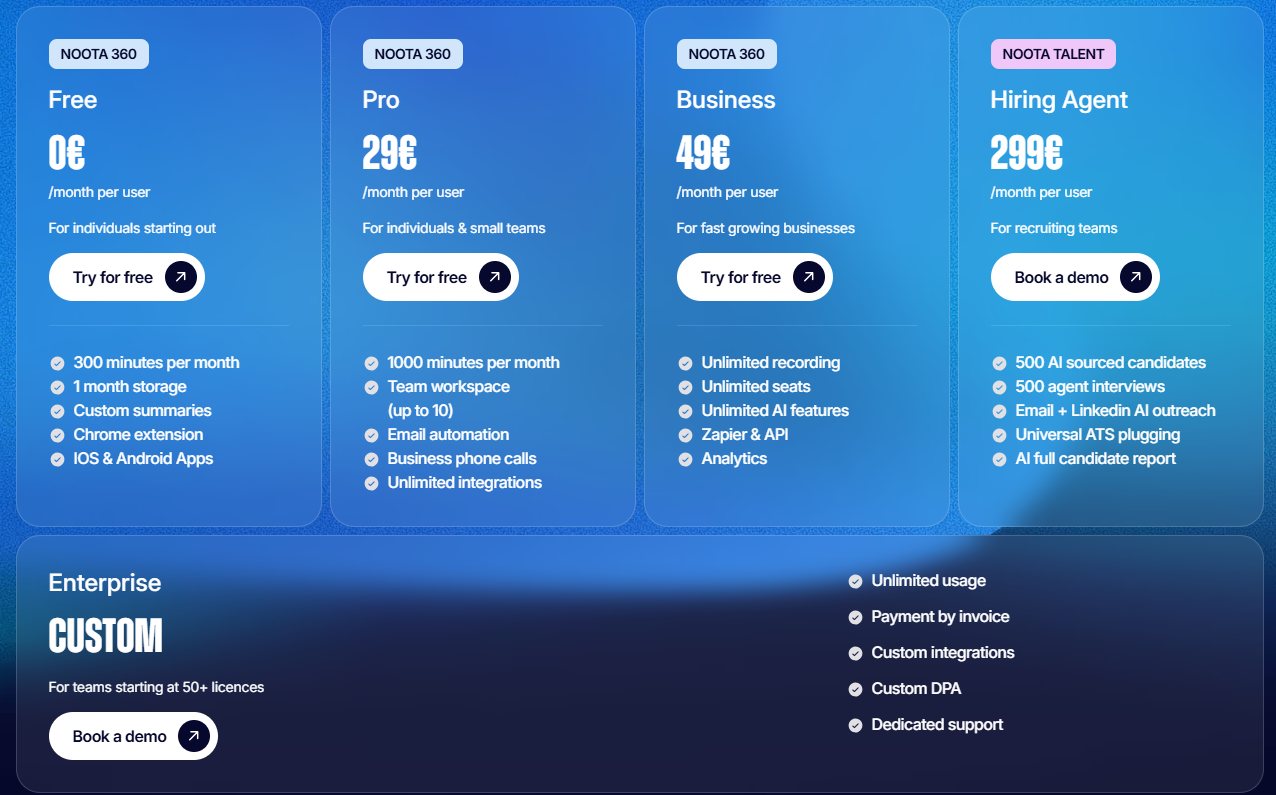
- Free Plan: Offers essential monthly transcription minutes—ideal for individuals trying out AI summaries.
- Pro / Business Plans: Unlocks unlimited recording time, full access to “Ask Noota,” automated follow-up emails, and custom CRM/ATS integrations.
- Enterprise Plan: Offers custom solutions, dedicated API support, and enhanced security features for large organizations.
If you want to free yourself from tedious meeting notes and focus on connecting, negotiating, and executing, Noota.io is a tool well worth trying out today.
Related Posts

Into the Wild: An Unforgettable Safari Journey

Exploring the Serengeti: A Wildlife Adventure
